
QR Code Generator
Select form language
Please note that changing the language in the form does not affect the final document.

About QR Code Generator
Here you can generate a unique QR code for each vehicle. By entering basic vehicle-related information, a QR code can be created, downloaded, and printed. The QR code can be placed inside the vehicle so that drivers can scan it with the Mobile-TAG app if an incident occurs. This helps make it easier to access and record relevant vehicle information without manual entry. This feature is free to use and may be helpful for private vehicle owners, rental companies, leasing fleets, and logistics operators. Fields marked in red are required. Please ensure that the information entered is accurate.
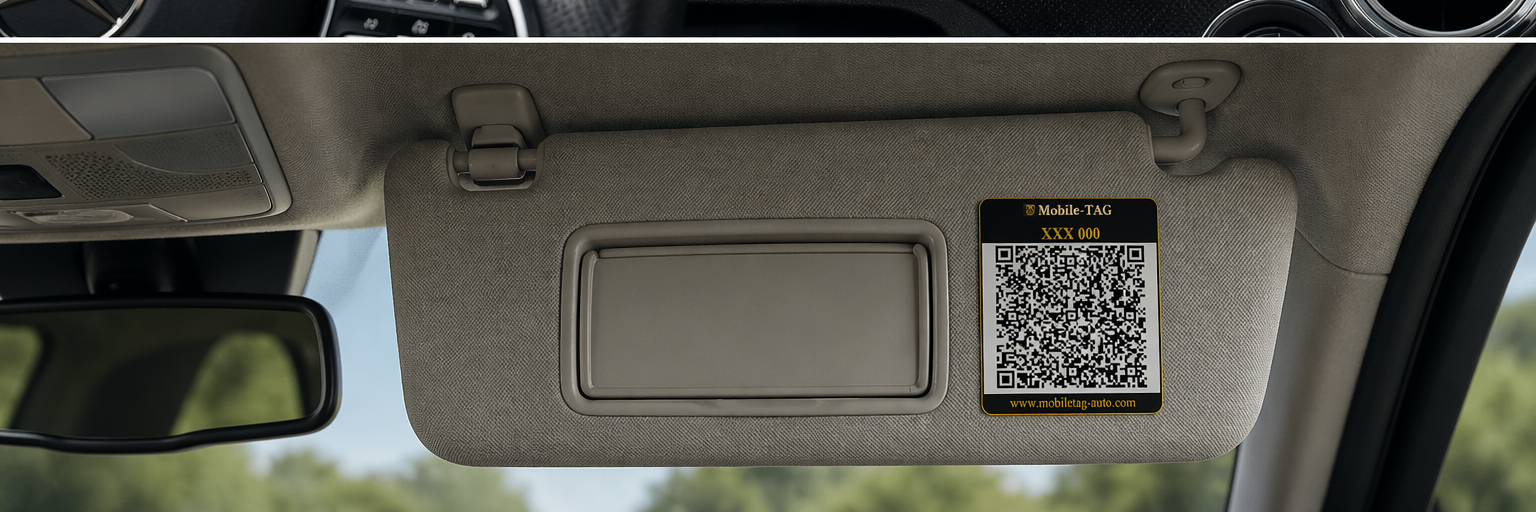
If you only want to try the QR code generator, you can enter sample or test information instead of real data. This allows you to explore how the feature works before using it with actual vehicle details.
The document generated by Mobile-TAG is protected with a simple password to help reduce the risk of unintended access.
QR codes generated with Mobile-TAG are intended to be scanned directly inside the Mobile-TAG application. Because the code contains structured and protected vehicle information, it may appear unreadable or unclear when scanned with a standard QR scanner. This helps ensure that the information is loaded correctly into the Mobile-TAG incident document.
Email addresses in the form
When email addresses are entered in the form for both the vehicle owner and the insurance company, the Mobile-TAG application can automatically load these addresses when the driver chooses to share the document.
This means that both the vehicle owner’s and the insurance company’s email addresses are pre-filled in the email message as recipients.
If these fields are left empty, the driver will need to enter the email addresses manually when sharing the document.
Use one QR code per vehicle — or one QR code for your entire fleet.
- Vehicle-specific QR code. Pre-filled with vehicle data — the driver does not need to enter any information.
- QR code for fleets. Leave the vehicle fields empty (marked in blue) to create one QR code for all vehicles. The driver enters the vehicle data in the app.
Choose how you want to create your QR code:
If your vehicles use different insurance providers, consider creating separate QR codes per group.
The QR code contains a direct link to download the Mobile-TAG app from Google Play and the App Store. Encourage drivers to pre-install the app so that it is ready for immediate use in the event of an incident.
Fields in red must be filled
The information you enter is encrypted and stored only in the QR code.
Privacy policy
Available in App Store and Google Play


Be prepared before an incident happens
Install Mobile-TAG on your phone and keep it together with your insurance apps. If a minor traffic incident occurs, you will already have a simple tool ready to document the situation clearly.